

Browse our curated list of Frontend Development Companies
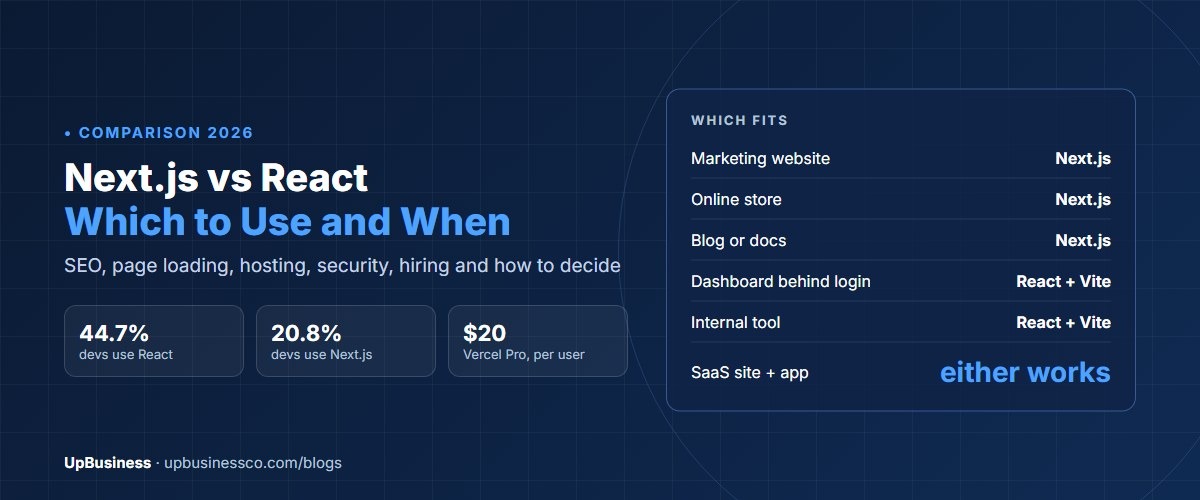
Next.js vs React is not a choice between two rivals. React is a library for building user interfaces. Next.js is a framework built on top of React that adds page routing, server rendering, search-friendly pages and a backend layer. Every Next.js app is a React app. The real choice is whether you need those extra parts. Pick Next.js for public websites, online stores, content sites and SaaS products where search traffic and fast first loads matter. Plain React, usually set up with a tool called Vite, is enough for dashboards, internal tools and apps that sit behind a login.
This guide is for founders, marketing leads and product owners choosing a frontend before hiring a development company. It compares SEO, speed, hosting cost, security, hiring and upkeep, then gives a simple way to decide.
Key takeaways
- Next.js uses React. Choosing Next.js means choosing React plus a framework, not instead of React.
- The React team now recommends starting new apps with a framework such as Next.js, and it retired its old starter tool, Create React App, in February 2025.
- Next.js is the safer choice when Google traffic matters, because pages arrive as ready HTML.
- Next.js runs code on a server, so it needs a server-aware host and fast security updates. Plain React can be hosted as static files almost anywhere.
Next.js vs React at a Glance
| React (with Vite) | Next.js | |
|---|---|---|
| What it is | A library for building user interfaces | A full framework built on React |
| Page routing | Added with a library such as React Router | Built in, based on folders |
| How pages load | Browser builds the page with JavaScript | Server sends ready HTML, then React takes over |
| SEO for public pages | Possible, but needs extra work | Strong by default |
| Backend code | None, needs a separate API | Server functions and API routes included |
| Hosting | Static files on any CDN, very cheap | Node.js server, serverless or static export |
| Best for | Dashboards, internal tools, apps behind login | Marketing sites, stores, content, SaaS with public pages |
| Developers using it (2025) | React 44.7% | Next.js 20.8% |
What React Is
React is a JavaScript library, first released by Facebook in 2013, for building the parts of a page that users see and click. It breaks screens into small pieces called components, such as a button, a product card or a menu, and updates them quickly when data changes.
On its own, React does one job well. It doesn't decide how pages are addressed, how data is loaded from a server or how the site is built for production. Teams add libraries for each of those. For years, most teams started with Create React App. The React team retired it in February 2025[1] and now points new projects to frameworks such as Next.js or React Router, or to a build tool such as Vite for teams that want to choose their own parts[2].
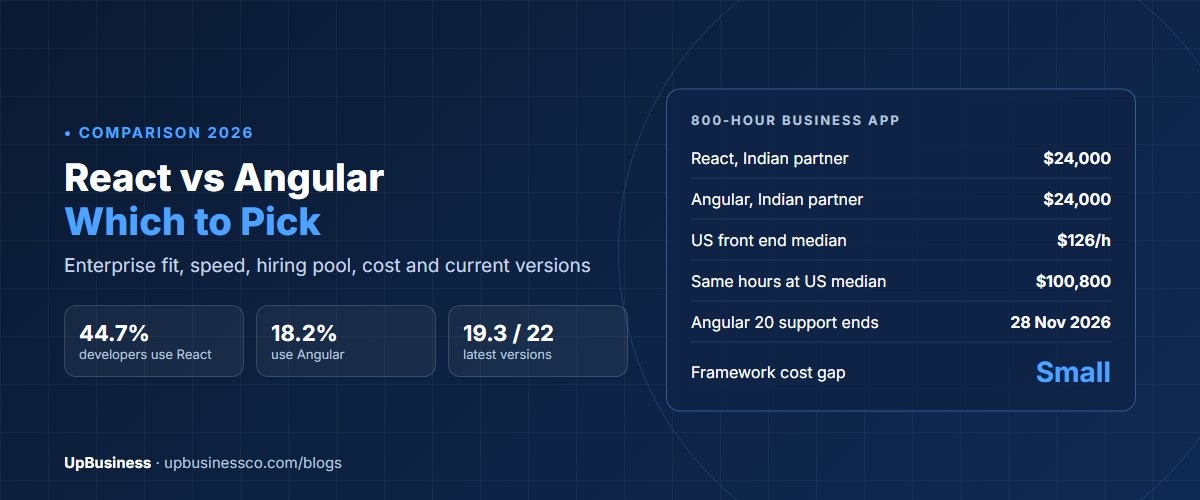
In the Stack Overflow Developer Survey 2025, 44.7% of developers said they used React, making it one of the most used web tools[3]. Our React vs Angular comparison explains why it remains the default choice for many teams.
What Next.js Adds
Next.js, made by the company Vercel, wraps React with the parts most websites need. The same survey found 20.8% of developers used it.
- Routing. Each folder becomes a page address. No extra library is needed.
- Server rendering. Pages can be built on the server, so visitors and search engines get finished HTML.
- Static pages. Pages that rarely change can be built once and served from a CDN, which is very fast.
- Server functions. Forms and data updates can run on the server without a separate backend for simple cases.
- Image and font handling. Images are resized and compressed automatically, which helps page speed.
- A fixed structure. Most Next.js projects are organised the same way, which helps when you change teams.
The trade-off is more to learn and more to run. Next.js has its own rules about which code runs on the server and which runs in the browser. A team that gets this wrong can ship slow pages or leak data, so experience matters.
How Pages Load: CSR, SSR and Static Pages
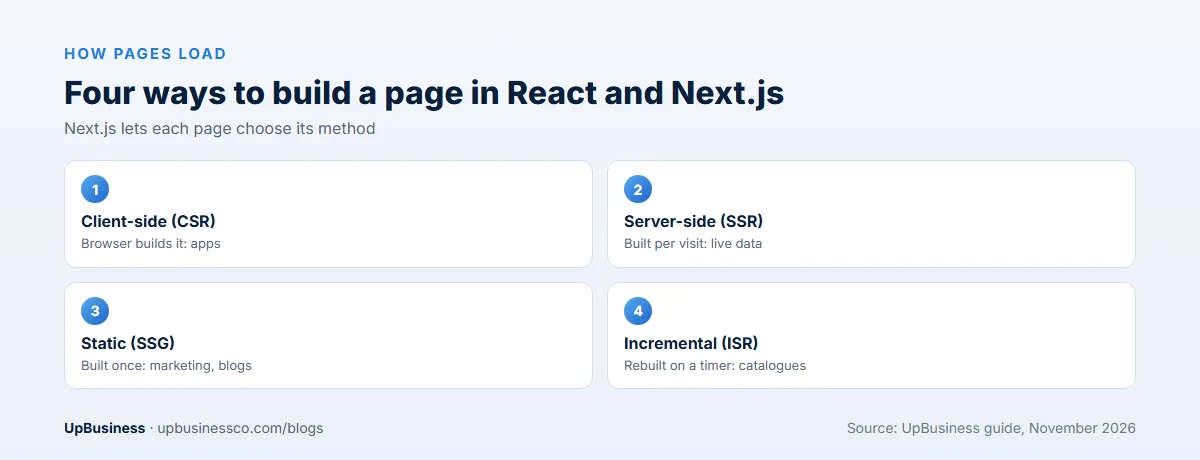
This is the heart of the Next.js vs React decision. Here are the four ways a page can be built, in plain terms.
| Method | How it works | Good for |
|---|---|---|
| Client-side rendering (CSR) | Browser downloads JavaScript, then builds the page | Apps behind a login, dashboards |
| Server-side rendering (SSR) | Server builds the page for each visit | Pages with live or personal data that must rank |
| Static site generation (SSG) | Pages are built once, served from a CDN | Marketing pages, blogs, docs |
| Incremental static regeneration (ISR) | Static pages rebuilt in the background on a timer | Product pages, large catalogues |
Plain React does client-side rendering by default. Next.js lets each page pick the method that suits it. A store can serve its home page as static, its product pages with timed rebuilds and its account pages in the browser, all in one project.
Next.js vs React for SEO
If people will find your site through Google, this section matters most.
With client-side React, the first response from the server is an almost empty page. Google can run JavaScript and index those pages, but it takes more work, and other search engines, social media previews and AI tools may see little or nothing. Titles, descriptions and shared link previews also need extra setup.
With Next.js, the server sends finished HTML. Search engines see the content, headings and links straight away. Each page can set its own title, description and preview image with built-in tools. That's why most marketing sites, blogs and stores built on React use Next.js or a similar framework. Our technical SEO audit checklist covers what to check either way.
For apps behind a login, none of this matters. Google can't see those pages, so the SEO advantage disappears.
Performance and Page Speed
Next.js usually wins the first page load on public sites. Visitors see content before all the JavaScript arrives, which helps Google's Core Web Vitals, such as showing the main content within 2.5 seconds[4].
Plain React can feel just as fast once it has loaded, and for an app people use all day, that first load matters less. A badly built Next.js site can also be slow, for example if every page is rendered on the server when it could be static. Speed comes from good choices, not from the tool name. Our guide to website speed optimization services explains how to measure it.
When Plain React Is Enough
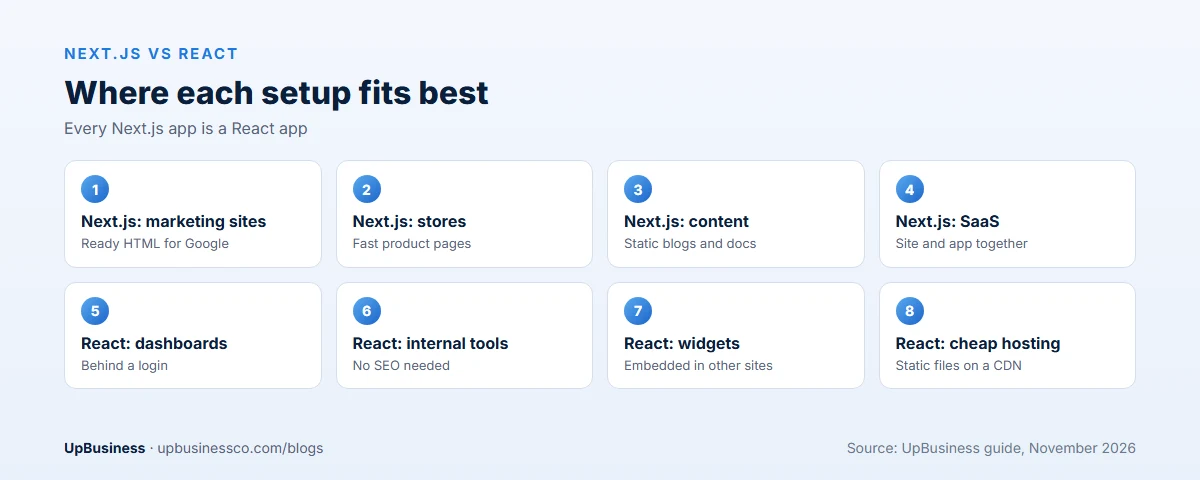
- Dashboards and admin panels that users reach only after logging in.
- Internal tools for staff, where search ranking doesn't matter.
- Widgets embedded inside another site, such as a calculator or booking form.
- Apps with a separate backend in Laravel, Node.js, Python or Java that already handles the server side.
- Very cheap hosting needs, since static files can be served from almost any CDN.
In these cases, React with Vite is simpler to build, host and maintain. There's no server to run and fewer framework rules to learn.
When to Choose Next.js
- Marketing websites where Google traffic and fast first loads matter.
- Online stores, including headless stores that use Shopify or another platform behind a custom front end.
- Content sites such as blogs, documentation and news.
- SaaS products with public pages and an app in one codebase.
- Small teams that want routing, rendering and simple server code in one place.
Our guide to headless commerce development explains when a Next.js storefront is worth its extra cost.
Next.js vs React for Ecommerce
For online stores, Next.js is usually the stronger choice. Product and category pages must rank on Google, load fast on phones and show correct prices and stock. Next.js can build product pages ahead of time and refresh them on a timer, so pages stay fast without going stale.
Most stores don't need either. A Shopify or WooCommerce theme is cheaper and faster to launch. A custom Next.js storefront makes sense when a store has outgrown its theme: very large catalogues, unusual product setups, several regions or a brand experience a theme can't deliver. Plain React fits only the logged-in parts of a store, such as a trade customer portal.
Hosting and Running Costs
Hosting is where the two differ most in day-to-day cost.
| Setup | How it's hosted | Typical cost |
|---|---|---|
| React with Vite | Static files on a CDN or object storage | Free to low monthly cost for most sites |
| Next.js, static export | Static files, like plain React | Same as plain React, but no server features |
| Next.js on Vercel | Managed platform from Next.js's maker | Pro plan from $20 per user per month, plus usage |
| Next.js on your own server | A Node.js server or container on AWS, Azure or similar | Server costs plus setup and upkeep time |
Vercel's Pro plan starts at $20 per user per month, with extra charges when traffic and server usage pass the included amounts[5]. Busy sites should model usage before launch. Self-hosting on a cloud server avoids those charges but needs a developer who can run it. Some Next.js features work most smoothly on Vercel, so ask your partner which features your site relies on and whether they work the same elsewhere.
Security: Server Code Means Server Risks
Plain React runs in the browser, so most security work sits in your separate backend. Next.js runs code on the server, which brings server-side risks into the frontend.
Two serious issues show why updates matter. In March 2025, a flaw in Next.js middleware allowed attackers to bypass checks such as logins in some setups[6]. In December 2025, a critical flaw in React Server Components, rated 10 out of 10 in severity, allowed remote code execution, and it affected default Next.js App Router projects on versions 15 and 16[7]. Both were fixed in patched releases, but only sites that updated were protected.
If you choose Next.js, put security updates in the maintenance contract. Ask how fast the partner applied the December 2025 patch for past clients. A clear, specific answer is a good sign.
Cost to Build: Next.js vs React
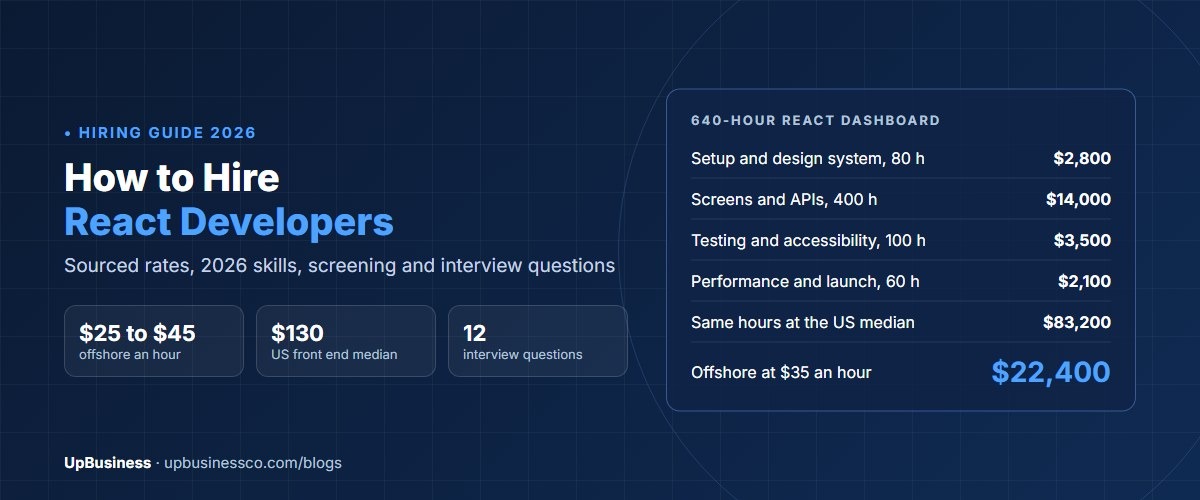
Developer rates are about the same, because Next.js developers are React developers with framework skills. US government contract data in GSA CALC showed a median ceiling rate of $126 an hour for front end developers in November 2026[8]. Indian partner companies typically charge $20 to $45 an hour for React and Next.js work, depending on seniority. Our guide to hiring React developers breaks rates down by level.
Hours differ by project type. For a public marketing site, Next.js often saves time, because routing, SEO tags, images and sitemaps come built in. For a dashboard behind a login, plain React often saves time, because there's no server layer to set up and host.
Worked Example: A SaaS Product With a Marketing Site
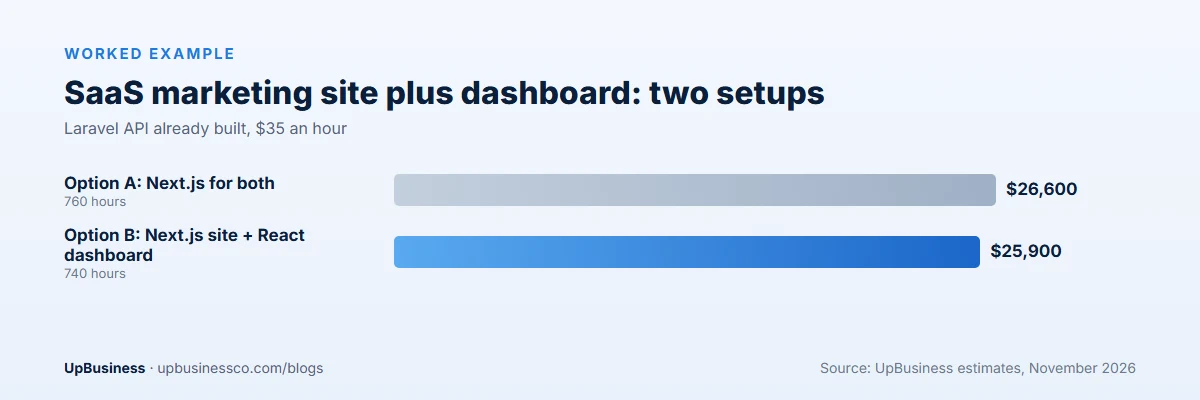
A SaaS startup needs a 15-page marketing site with a blog, plus a customer dashboard with charts, settings and billing. Its backend API is already built in Laravel. Two setups are common.
| Option A: Next.js for both | Option B: Next.js site + React dashboard | |
|---|---|---|
| Marketing site and blog | 180 hours | 180 hours |
| Dashboard | 520 hours | 480 hours |
| Shared design system | 60 hours | 80 hours (shared between two projects) |
| Total hours | 760 | 740 |
| Cost at $35 an hour | $26,600 | $25,900 |
| Hosting | One Next.js deployment | Next.js site plus static dashboard |
These are our estimates. The cost is close either way. Option A keeps one codebase, one login flow and one deployment, which suits a small team. Option B keeps the dashboard simple and cheap to host, and lets the marketing site change without touching the app. Both are sound. The deciding factor is usually the team's experience and how often marketing pages change. For how the pieces fit together, see our guide to SaaS application architecture.
Hiring: Skills to Check
Any Next.js developer should be a strong React developer first. Test React basics such as components, state and hooks, then the Next.js parts:
- Can they explain when a page should be static, server-rendered or built in the browser?
- Do they know which code runs on the server and how to keep secrets out of the browser?
- Can they set page titles, descriptions and preview images for SEO?
- Have they deployed outside Vercel, if you plan to self-host?
- Do they write tests and check Core Web Vitals before release?
For a plain React app, focus instead on state management, API handling and testing. A short paid task on a real page from your project tells you more than any interview.
Upgrades and Lock-In
Next.js moves fast. Major versions arrive about once a year, and in recent years the move from the older Pages Router to the newer App Router changed how many apps are written. Moving a large app between the two can take weeks. Ask any partner which router they'll use and why. For new projects, the App Router is the current default.
Plain React changes more slowly, and a Vite setup has fewer moving parts to upgrade. The cost is that you pick and update routing and data libraries yourself.
Lock-in is moderate either way. Your React components can move between plain React and Next.js with modest work. Server features and hosting-specific features are what tie you to a setup, so keep them where they add clear value.
Common Mistakes
- Using plain React for a public marketing site and fighting SEO problems later.
- Using Next.js for a simple internal tool and paying for a server you don't need.
- Rendering everything on the server when most pages could be static and faster.
- Skipping updates, which left many sites exposed after the 2025 security flaws.
- Not modelling hosting usage on a busy site before choosing a managed platform.
How to Decide: Next.js or React
- Do public pages need Google traffic? If yes, choose Next.js for those pages.
- Is everything behind a login? If yes, plain React with Vite is usually simpler.
- Do you already have a backend? If yes, plain React pairs easily with it. If not, Next.js can cover simple server needs.
- Who will host and update it? Next.js needs someone who can run a server-aware setup and apply security patches fast.
- What does your partner know best? A skilled team in either setup beats a weak team in the "right" one.
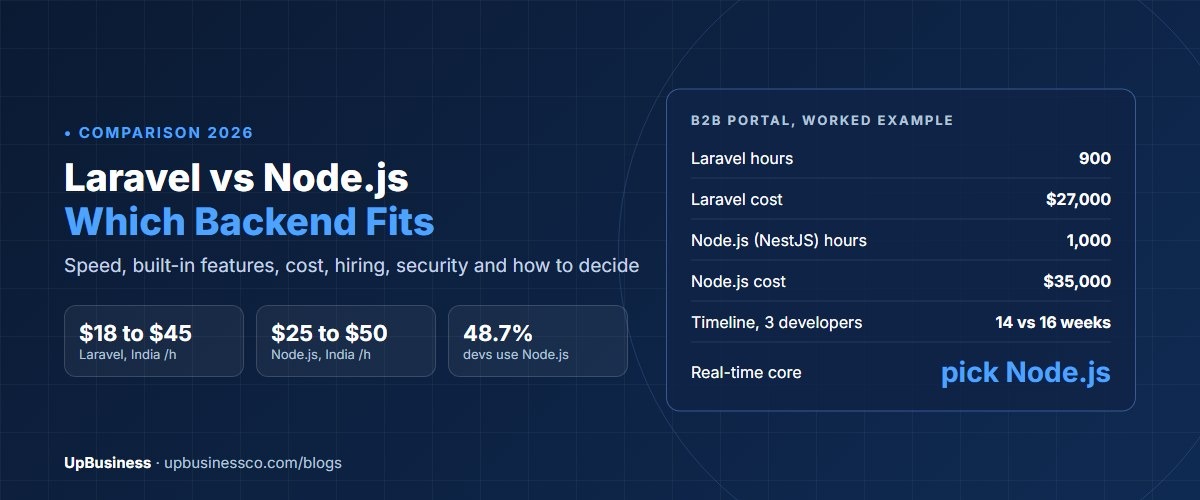
Choosing a backend too? See our Laravel vs Node.js and Node.js vs Python comparisons. Building mobile apps as well? Our Flutter vs React Native guide explains how React skills carry over to mobile.
Questions to Ask a Frontend Partner
- Do you recommend Next.js or plain React for our project, and why?
- Which pages will be static, server-rendered or browser-rendered?
- Where will it be hosted, and what will hosting cost at our expected traffic?
- Which features depend on a specific host?
- How do you apply security updates, and how fast?
- Can you show a past project with good Core Web Vitals scores?
Find a Frontend Development Partner on UpBusiness
UpBusiness lists frontend and website development companies with verified profiles, TrustScores, team sizes and average project sizes. Post your requirement and we match you with three companies that fit your budget. Ask each which setup they recommend and why. For broader budgets, see our website development cost guide, or our Webflow development cost guide if your team wants to edit pages without developers.