

Browse our curated list of Website Development Companies
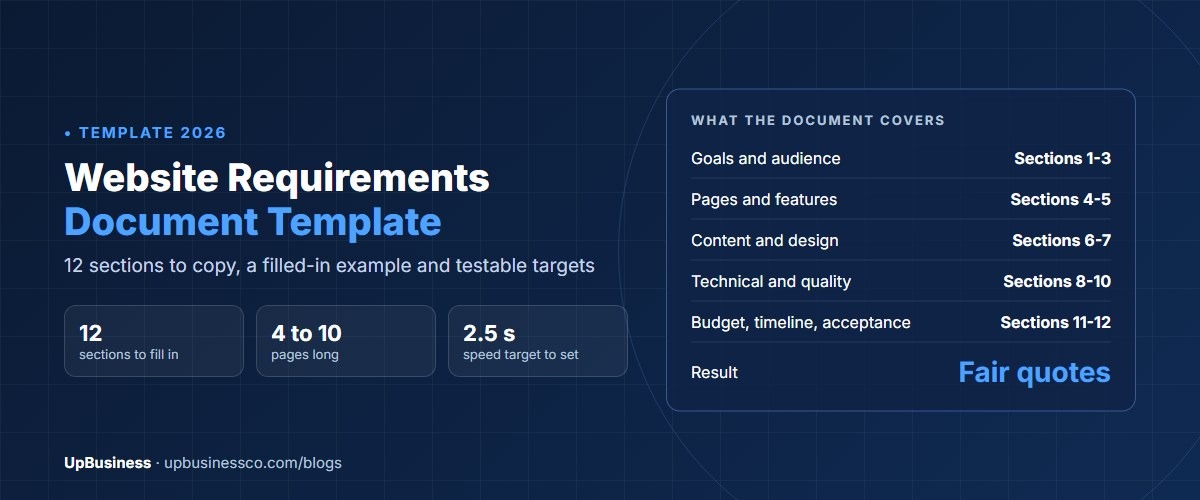
A website requirements document is a written plan that tells a web design company what to build. It covers your goals, audience, pages, features, content, design, technical needs, budget and timeline. A good one runs 4 to 10 pages. Send the same document to every company you ask for a quote, and you'll get prices you can actually compare. Below is a website requirements document template you can copy, with a filled-in example.
This guide is for business owners, marketing managers and project leads who are about to hire a company to build or rebuild a website. If you only need a one-page summary to start conversations, our software project brief template is shorter. Use this full document once you're ready to ask for fixed quotes.
Key takeaways
- A website requirements document has 12 sections, from goals and audience to budget, timeline and acceptance. The template below covers all of them.
- Write requirements as checkable statements, such as "pages load in under 2.5 seconds", not wishes like "the site should be fast".
- Mark each feature as must have, should have or nice to have. That lets companies quote options and lets you cut scope without starting again.
- Include measurable quality targets. Google's Core Web Vitals and WCAG 2.2 accessibility rules give you ready-made, testable standards.
What Is a Website Requirements Document?
A website requirements document, also called a website specification or website requirements template, lists everything a website must do and how well it must do it. It's written before design starts. The web company uses it to plan the work and price it. You use it to check that what you get is what you asked for.
There's a formal international standard for requirements documents, ISO/IEC/IEEE 29148[1]. You don't need to follow it for a website. But its core idea is useful: every requirement should be clear, necessary and possible to test.
| Document | Length | When to use it |
|---|---|---|
| Project brief | 1 page | First conversations and rough price ranges |
| Website requirements document | 4 to 10 pages | Fixed quotes and comparing companies |
| Technical specification | 10 pages or more | Written by the chosen company after discovery |
Why You Need One Before You Ask for Quotes
Without a requirements document, each company guesses what you want. One quotes for 8 pages and a template theme. Another quotes for 30 pages, custom design and a booking system. Their prices can differ by 5 or 10 times, and you can't tell which is fair.
A clear document fixes that. It also protects you later. If a feature in your document isn't delivered, you can point to it. If you ask for something new, both sides can see it's a change and agree the cost. Our guide on how to compare software development proposals shows how to line quotes up side by side once they come back.
Website Requirements Document Template
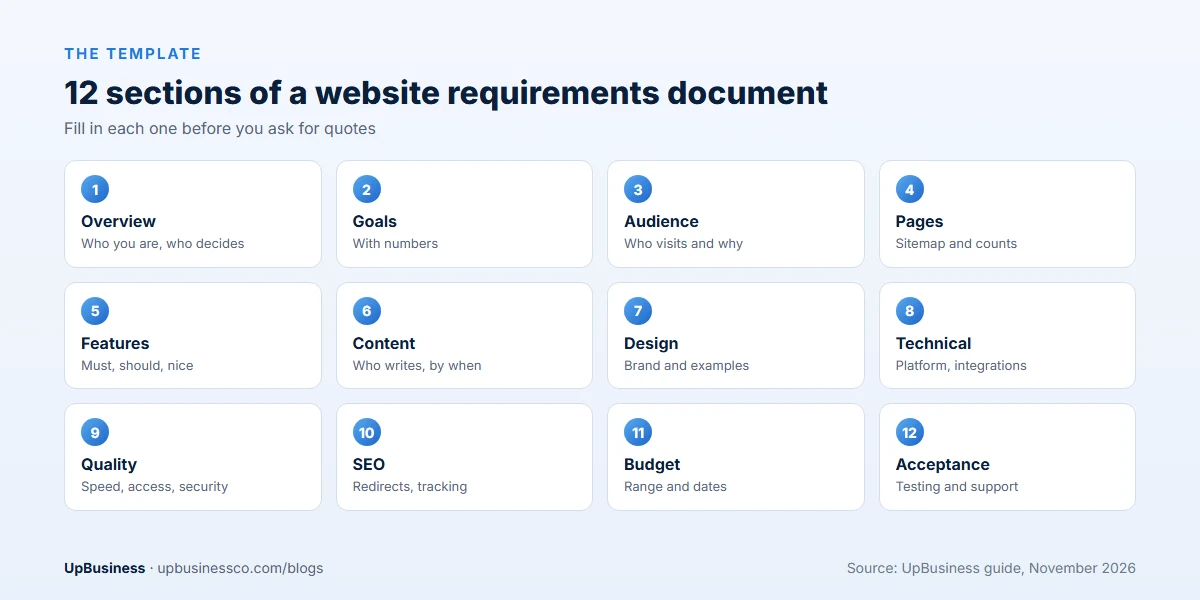
Copy these 12 sections into Word or Google Docs. Fill in each one. Where you don't know an answer, say so. "We need advice on hosting" is far better than leaving it blank.
- Project overview. Company name, what you do, why you need the website now, and who signs off.
- Goals and success measures. Two or three goals with numbers, such as "40 enquiries a month within 6 months".
- Target audience. Who visits, what they need to find, and what devices they use.
- Sitemap and pages. A list of pages and how they're grouped.
- Features. Forms, search, booking, payments, logins, blog, languages. Mark each as must, should or nice to have.
- Content. Who writes the text, who provides photos, and how many pages of content exist today.
- Design. Brand guidelines, logo, colours, sites you like and why.
- Technical requirements. Platform or content management system, hosting, integrations, browsers.
- Performance, accessibility and security. Speed targets, accessibility level, security needs.
- SEO and analytics. Redirects from the old site, tracking, search basics.
- Budget and timeline. Budget range, launch date and any fixed deadline.
- Acceptance and support. How you'll test the site, who owns what, and support after launch.
Section by Section: What to Write
1. Project overview
Keep it to one paragraph. Say what your business does, what the current site does badly, and what changes with the new one. Name the person who approves designs and pays invoices. Many delays come from not knowing who decides.
2. Goals and success measures
Goals tell the company what matters most when they have to choose. "Get more leads" is vague. "Increase quote requests from 12 to 40 a month" gives a target the design can serve. Two or three goals are enough.
3. Target audience
Describe two or three types of visitor. For each, say what they want and what you want them to do. For example: "Procurement managers at mid-sized firms. They want proof we've done similar work. We want them to download a case study and book a call."
4. Sitemap and pages
List every page or page type. For a blog or product catalogue, give a number: "about 60 products at launch, growing to 200". Page count is one of the biggest drivers of cost.
5. Features
This is where most misunderstandings start, so be specific. Instead of "booking system", write "customers pick a service, date and time slot, pay a deposit by card, and get an email confirmation. Staff see bookings in a calendar." Mark priorities with a simple must, should or nice to have label.
6. Content
Say who writes the words and supplies the images, and by when. Late content is the most common reason website projects run over time. If you want the company to write content, say how many pages.
7. Design
Attach your brand guidelines and logo files. List three to five websites you like and say exactly what you like about each: the layout, the colours, how the menu works. That's far more useful than "modern and clean".
8. Technical requirements
State the platform if you have one, such as WordPress, Shopify or Webflow, or ask for a recommendation. List every system the site must connect to: CRM, email marketing, payment gateway, booking tool, ERP. Say who will host the site and who will own the domain and accounts. Your company should own all of them.
Not sure whether you need a custom site or a template? Our comparison of custom websites and template websites explains the trade-off.
9. Performance, accessibility and security
These are the requirements buyers most often forget, and they're easy to make testable:
| Requirement | Testable target | Source |
|---|---|---|
| Loading speed | Largest Contentful Paint within 2.5 seconds | Google Core Web Vitals |
| Response to clicks | Interaction to Next Paint of 200 milliseconds or less | Google Core Web Vitals |
| Visual stability | Cumulative Layout Shift of 0.1 or less | Google Core Web Vitals |
| Accessibility | Meets WCAG 2.2 level AA | W3C |
| Security | HTTPS everywhere, updates applied monthly, daily backups | Your own policy |
The speed targets are Google's own thresholds for a good user experience[2]. WCAG 2.2 has been a W3C Recommendation since December 2024[3]. Level AA is the level most laws and public bodies point to. Our guides to website speed optimisation and accessibility audit cost go deeper.
10. SEO and analytics
If you have an existing site, require a redirect from every old page address to its new one. Without it, you can lose your Google rankings at launch. Ask for analytics and conversion tracking to be set up and tested. Our guide to website redesign and SEO lists what else to protect.
11. Budget and timeline
Give a budget range. Many buyers hide it, hoping for a lower price. In practice, a range helps companies propose the right solution instead of guessing. Our website development cost guide and ecommerce website cost guide show typical prices, so you can set a realistic range.
12. Acceptance and support
Say how you'll decide the site is finished: every must-have feature works, the targets in section 9 are met on a test, and content is in place. Then say what support you need after launch: fixes for 30 or 60 days, monthly updates, and who to call. Our website maintenance cost guide shows what ongoing support costs.
Website Requirements Document Example
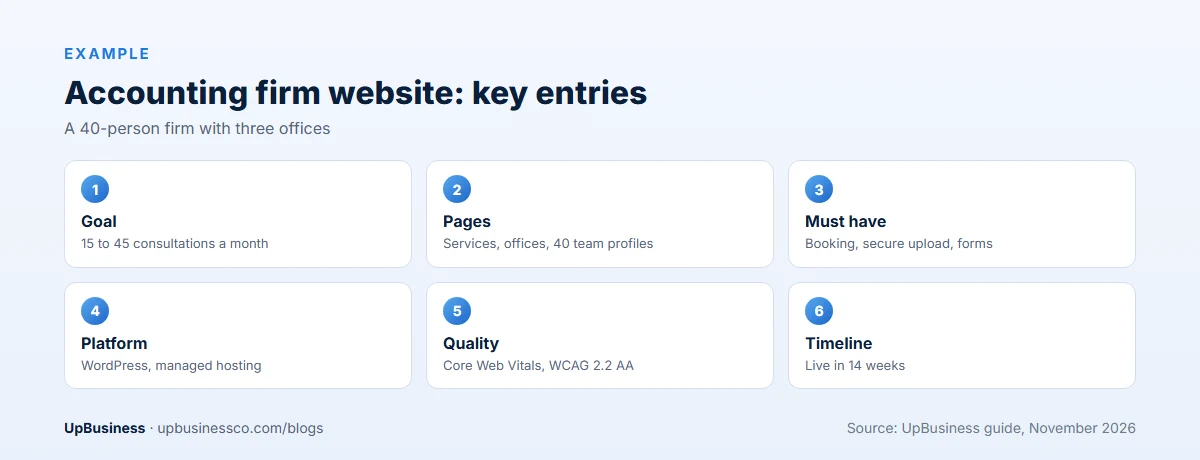
Here's a short filled-in example for a fictional 40-person accounting firm. Yours will be longer, but this shows the level of detail that works.
| Section | Example entry |
|---|---|
| Overview | Mid-sized accounting firm, 3 offices. Current site is 8 years old, not mobile friendly, and brings few enquiries. Approver: Operations Director. |
| Goals | Raise consultation requests from 15 to 45 a month in 6 months. Cut phone calls about office hours and documents by half. |
| Audience | Small business owners (mobile, evenings); finance managers at mid-sized firms (desktop, office hours). |
| Pages | Home, 6 service pages, 3 office pages, team (40 profiles), 2 case studies, blog (about 80 posts moved over), contact. |
| Must-have features | Consultation booking with calendar sync; secure document upload; contact forms per office; blog with categories. |
| Should-have features | Tax deadline calendar; newsletter sign-up connected to the email platform. |
| Nice to have | Client login area (quote separately). |
| Content | Firm writes service pages; company edits for the web. Team photos taken by the firm before week 4. |
| Technical | WordPress, hosted by the company on a managed host. Connect to Microsoft 365 calendar and the email platform. |
| Quality targets | Core Web Vitals in the good range on mobile; WCAG 2.2 AA; daily backups. |
| SEO | 301 redirects for all 140 old URLs; analytics with form and booking tracking. |
| Budget and timeline | Budget range given; launch in 14 weeks, before tax season. |
| Acceptance | All must-haves working, targets met, 60 days of fixes after launch, then monthly care plan. |
How to Write Requirements That Can Be Tested
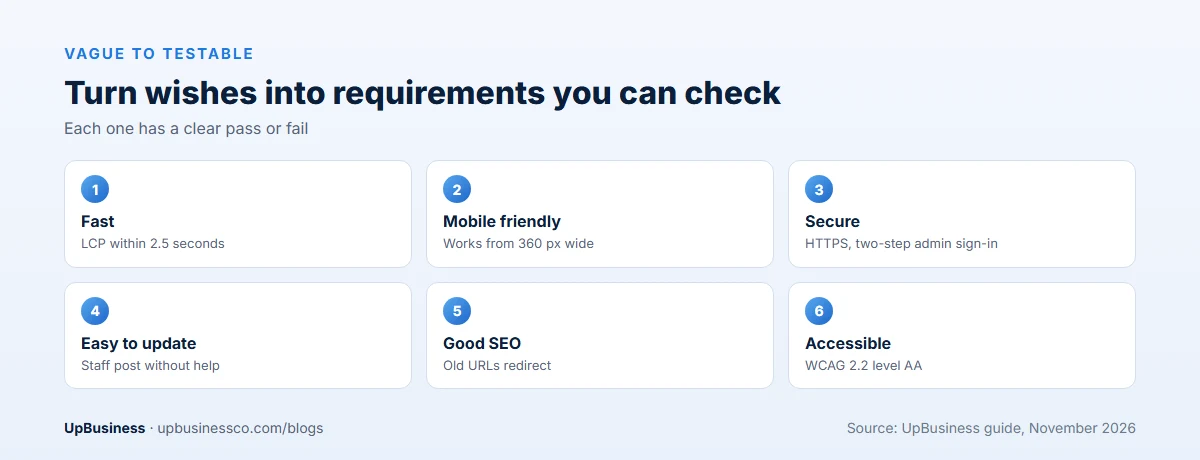
The single biggest improvement you can make is to turn wishes into checkable statements. Here's how:
| Vague | Testable |
|---|---|
| The site should be fast | Largest Contentful Paint within 2.5 seconds on mobile |
| Easy to update | Staff can add a blog post with images without help, after one training session |
| Mobile friendly | Every page works on screens from 360 pixels wide, with no sideways scrolling |
| Secure | HTTPS on all pages, admin logins with two-factor sign-in, daily backups kept for 30 days |
| Good SEO | Each page has an editable title and description, and all old URLs redirect |
| Accessible | Meets WCAG 2.2 level AA, checked with an audit before launch |
Use "must" for things the site can't launch without, and "should" for things you'd like but could add later. Avoid words like "user-friendly", "modern" or "intuitive" unless you add an example of what you mean.
Requirements for an Ecommerce Website
If you sell online, add a section for the shop. Cover these points:
- Number of products at launch and in a year, and how many variants each has, such as sizes and colours.
- Payment methods and currencies, and which countries you ship to.
- Shipping rules, taxes and discount codes.
- Stock levels: managed on the site, or synced with your warehouse or ERP system.
- Customer accounts, order history, returns and refunds.
- Emails the shop sends: order confirmation, shipping, abandoned cart.
Ecommerce features change the price more than anything else. Our ecommerce website development cost guide shows how.
Functional vs Non-Functional Website Requirements
Requirements come in two kinds. It helps to keep them apart in your document.
Functional requirements say what the site does. A visitor can book a call. A customer can pay by card. Staff can publish a blog post. Each one describes an action and who does it.
Non-functional requirements say how well the site does it. Pages load fast. The site works for people who use a screen reader. Backups run every day. These are easy to forget, and they cause the most trouble after launch.
| Type | Example | How to check it |
|---|---|---|
| Functional | Visitors can request a quote with a form that sends an email to sales | Fill in the form and confirm the email arrives |
| Functional | Customers can filter products by size and colour | Try each filter on a test product list |
| Non-functional | Pages load within 2.5 seconds on mobile | Run a speed test on the main pages |
| Non-functional | The site meets WCAG 2.2 level AA | Accessibility audit before launch |
A good rule: for every feature you list, add one line on how you will test it. If you cannot say how to test it, the requirement is not clear yet.
Website Requirements Document in Word or PDF
Write the document in Word or Google Docs, so companies can comment on it and you can track changes. Use the 12 section headings above as your headings. Send it as a PDF when you ask for quotes, so the version everyone prices is fixed. Keep the editable copy for yourself. When you answer questions or change scope, update the editable copy, add the date and send a new PDF to every company at the same time. That keeps quotes fair and gives you a clear record if a dispute comes up later.
Website Requirements Checklist
Before you send your document, run through this checklist. Each line should be a clear yes.
- Goals have numbers and a time frame.
- Every page or page type is listed, with a count for blogs and products.
- Every feature is marked must, should or nice to have.
- Each feature says who uses it and what happens.
- You have said who writes content and who supplies images, and by when.
- Brand files and three to five example sites are attached.
- All systems the site must connect to are named.
- Speed, accessibility and security targets are written as numbers.
- Old page addresses have a redirect plan.
- Domain, hosting and analytics will be in your company name.
- A budget range and launch date are given.
- You have said how you will test and accept the site, and what support you need.
If you can tick every line, your document is ready. Companies will have what they need to give you a fair, fixed quote.
Common Mistakes in Website Requirements
- Listing features without priorities. Everything looks equally important, so companies quote for everything.
- Forgetting content. Nobody planned who writes 40 pages, so launch slips by weeks.
- No owner for accounts. The domain, hosting and analytics end up in the agency's name.
- No old-URL plan. The new site launches and search traffic drops.
- Too much detail on design, too little on function. Colours are easy to change later. A missing integration is not.
- No acceptance rules. Nobody agreed what "finished" means, so the project never quite ends.
After You Send It: What Happens Next
- Send the same document to three to five companies. Ask for a fixed quote and a list of questions.
- Answer questions in writing. Share each answer with every company, so quotes stay comparable.
- Compare quotes line by line. Check each one covers every must-have and states what's excluded.
- Run a short paid discovery with your favourite. They turn your document into a detailed specification and design plan.
- Attach the final requirements to the contract. Our software development contract checklist lists the clauses to include.
Find a Website Development Company on UpBusiness
UpBusiness lists verified partner companies, mostly based in India and serving buyers worldwide. Every company has passed checks reviewed by our team: company details, registration and tax papers, the founder's identity, expertise and three client projects with evidence. Only companies with a TrustScore of 70 or more are listed.
- Post your requirement and attach or paste your requirements document.
- Get three partner companies matched to your budget, service and industry.
- Compare them side by side on our website development page, and ask each for two similar sites they've built. Buyers pay nothing, and there's no commission on the project.